Skaffold Debugging with IntelliJ
Skaffold/Kustomize Debugging
-
Instead of starting a service by running
skaffold dev, runskaffold debug, as this will expose port 5005 for the remote debugger to connect to.
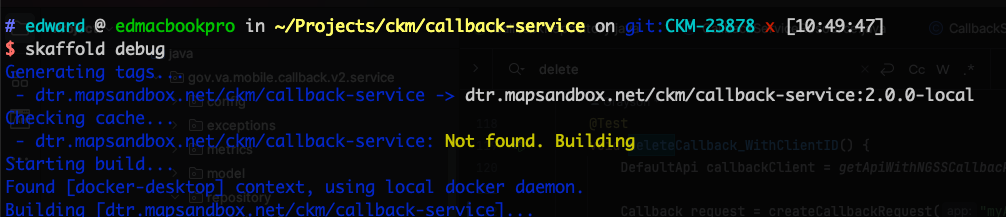
-
When the service has started and the port is open you will see output similar to this:
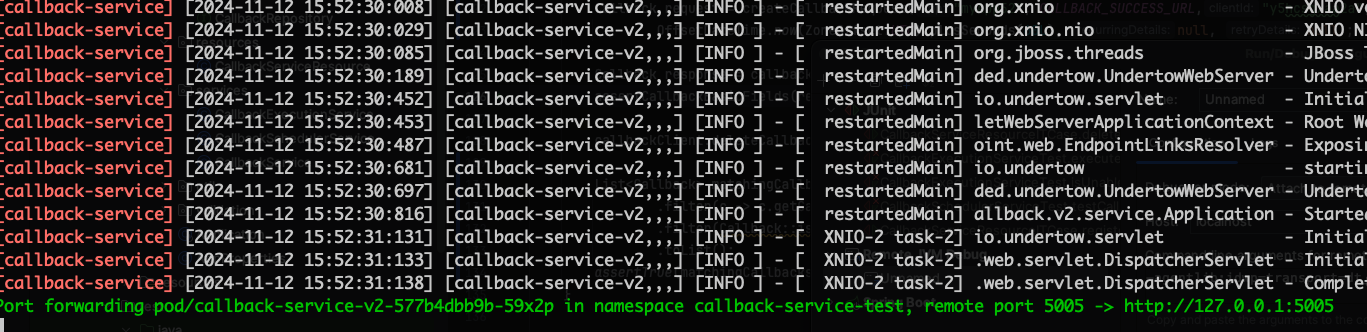
-
In IntelliJ, click on Run and then on Edit Configurations.
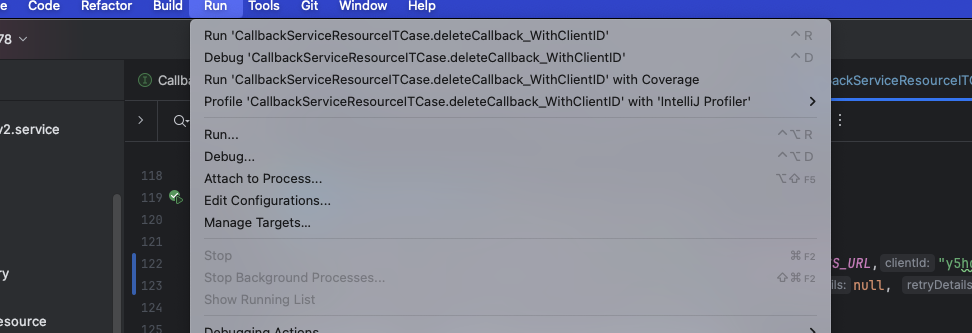
-
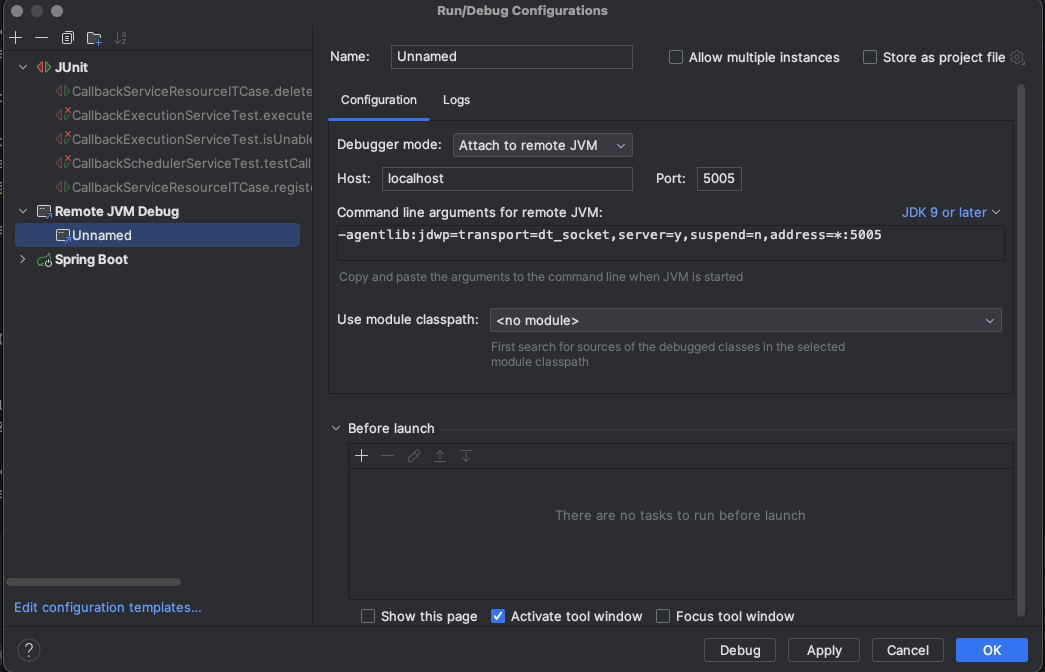
Click on the + icon and create a new Remote JVM Debug, make sure the port is 5005 and is what matches the output you saw earlier.
-
Now, click on Run and then Debug Unnamed.
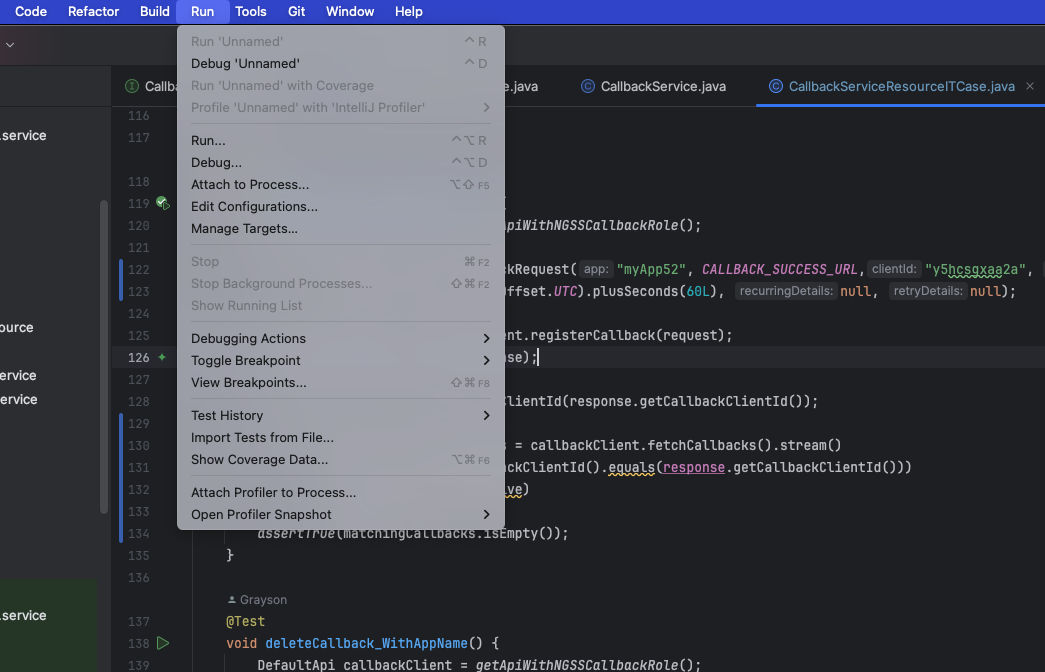
You can now set breakpoints in your actual code, and when you run an integration test, your breakpoint will be hit. Keep in mind the difference between unit tests and integration tests, and also understand that you can set breakpoints within your code and also breakpoints within your integration tests.